Rudopo on your phone and iPad
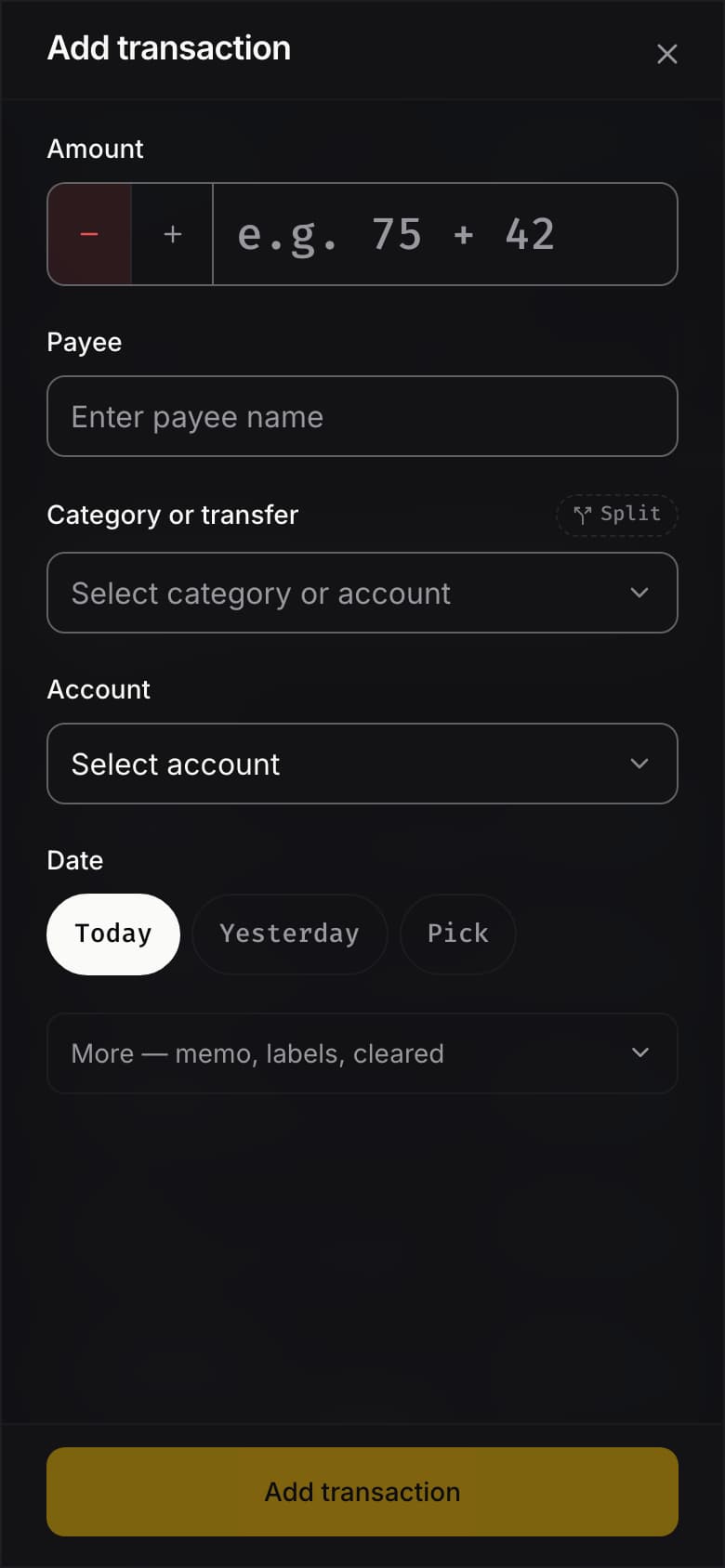
Most of the money we spend, we spend away from a desk: a coffee, a taxi, the grocery run. So Rudopo was built to work properly on a phone from the start, not squeezed down from a desktop screen. Every page is laid out for a small screen, there's a bar at the bottom for the places you go most, and you can add the purchase you just made with one thumb.
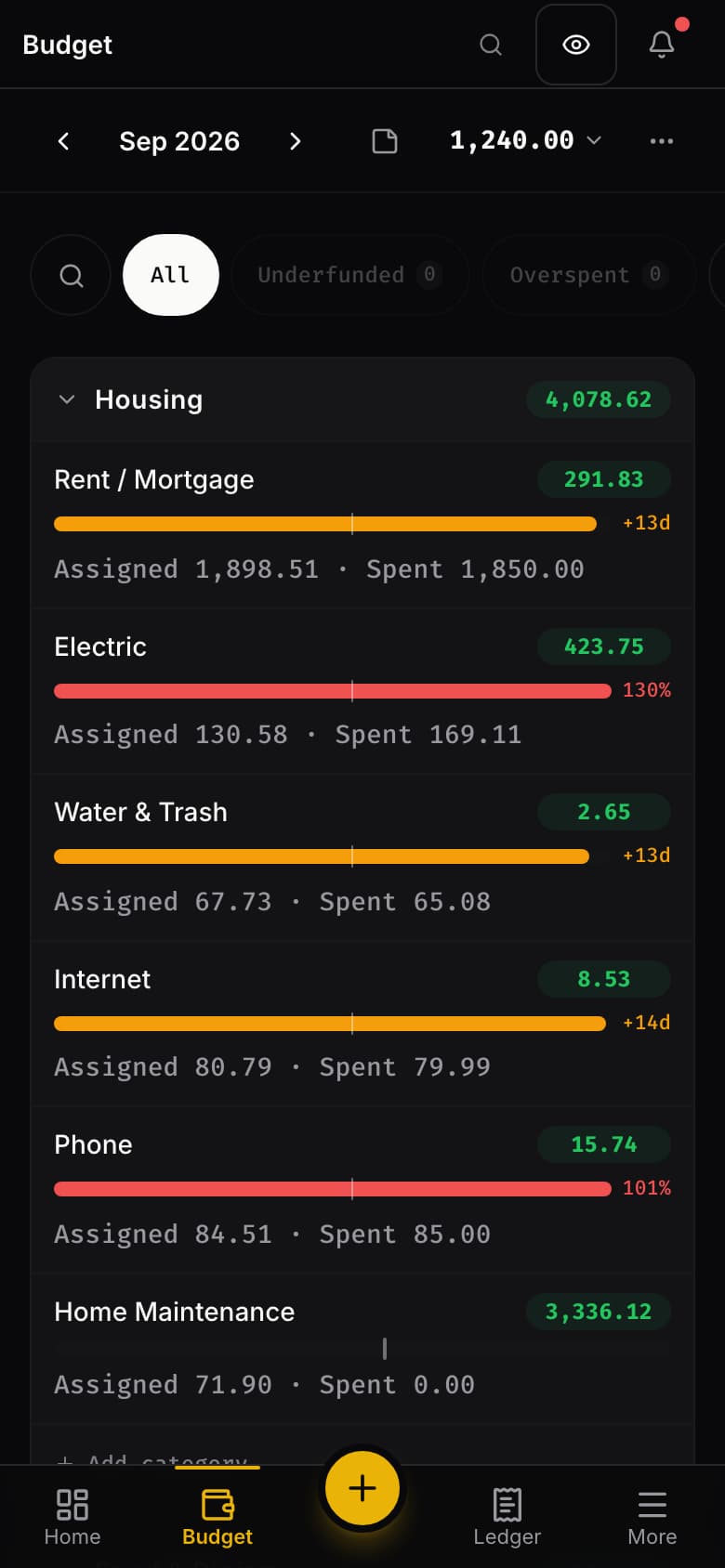
There's nothing to download from an app store. Open rudopo.app in your phone's browser, sign in, and you're in the same budget you use on your computer.
On Android, you can install it. Open Rudopo in Chrome, tap More at the bottom right, tap your name at the foot of the menu, and choose Install app. If it isn't there, Chrome's own menu (the three dots at the top) offers Install app or Add to Home screen. Rudopo then has its own icon on your home screen and opens full screen, without the address bar. Press and hold the icon for shortcuts straight to Add transaction, Budget and Accounts.
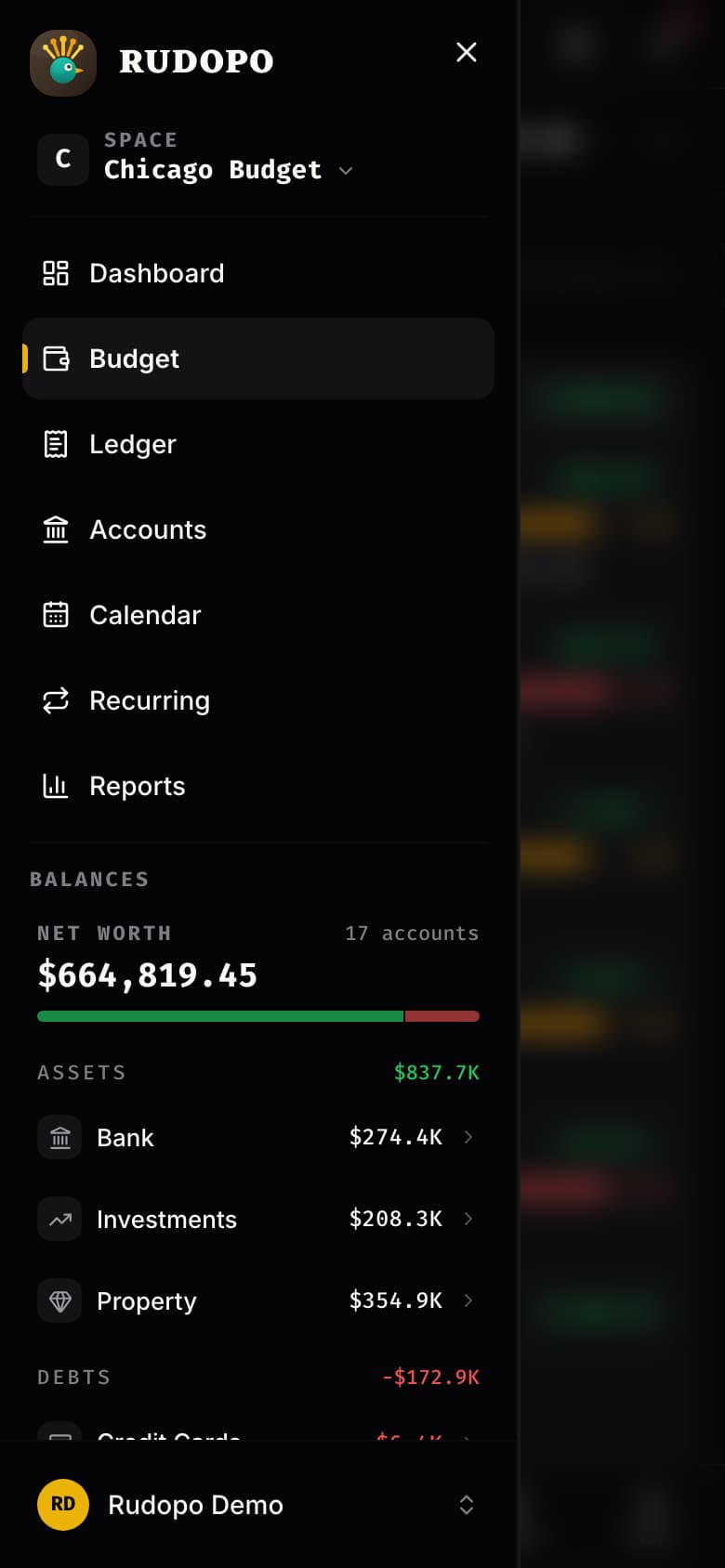
On iPhone and iPad, Safari does the same thing its own way. Open rudopo.app in Safari, tap the Share button, and choose Add to Home Screen. Recent versions of iOS offer the same option in the Share menu of Chrome and Edge too. You get the Rudopo icon on your home screen, and it opens full screen. On an iPad held landscape, Rudopo uses the extra width for a fuller budget layout, the same way it does on a laptop.
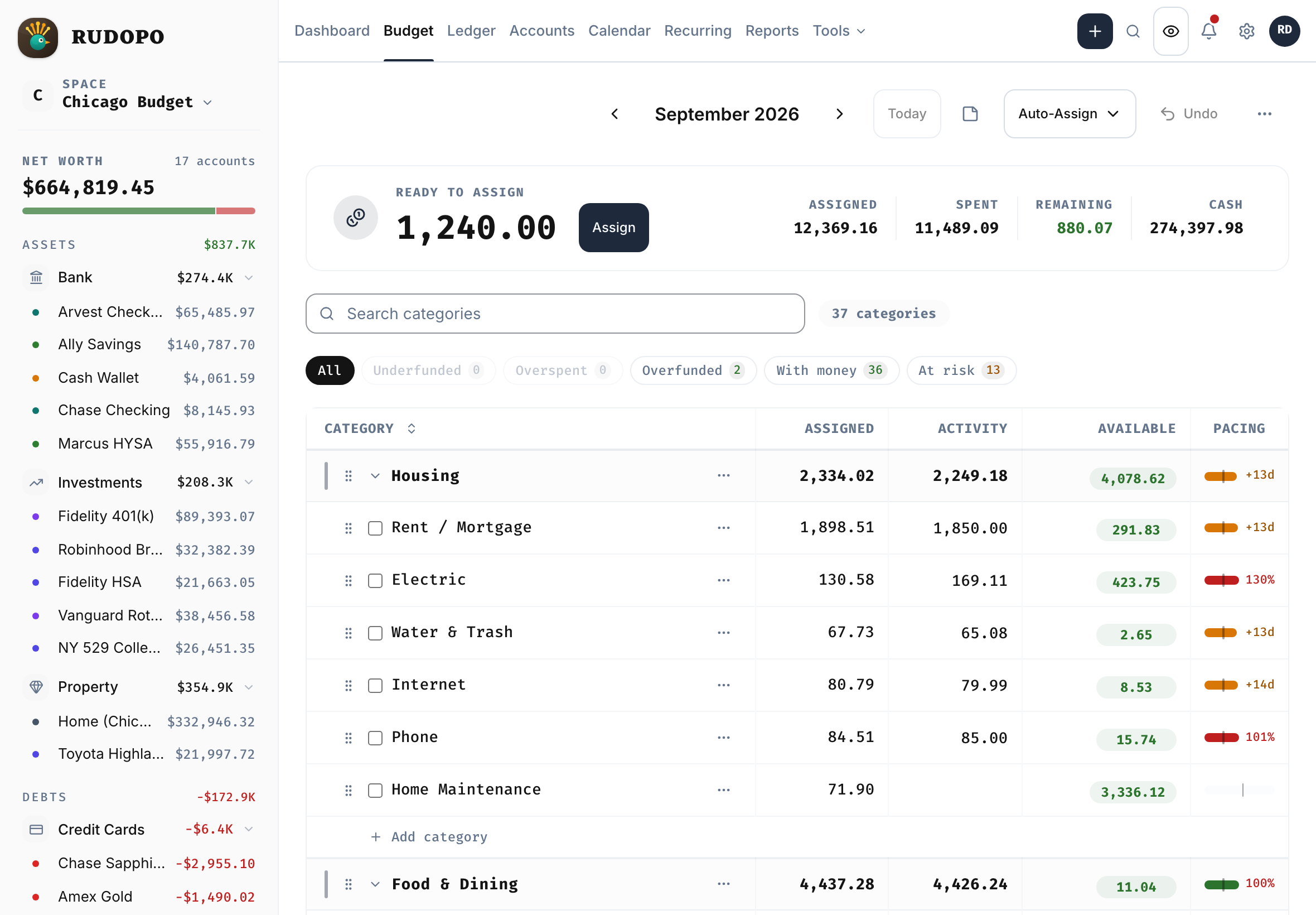
On a computer, Chrome and Edge can install Rudopo too, from the install icon in the address bar, if you'd like it in its own window.
What about native apps? Native iOS and Android apps are on our roadmap. We don't have a date yet, and we'd rather tell you when one is real than promise it early. When they arrive, you'll read about it here first. Until then, the installed web app is the full Rudopo, with nothing held back.
If something doesn't look right on your phone or iPad, tell us in #bug-reports on Discord, or through Help & Feedback in the app, and mention your phone and browser.
— The Rudopo Team